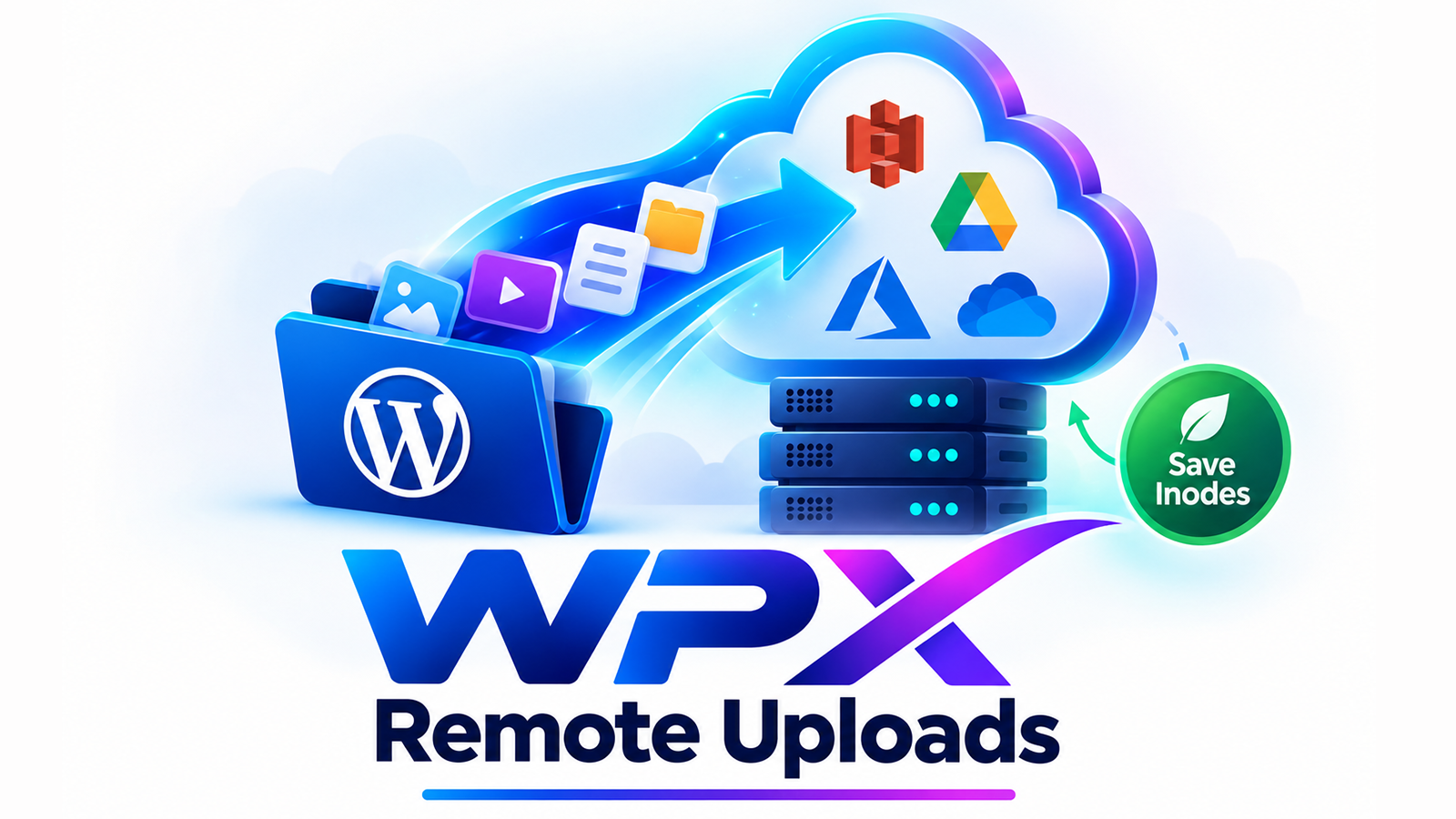
WPX Remote Uploads is a true "Uploads" folder replacement for WordPress. Instead of piling every image, video, and document onto your hosting disk, WPX Remote Uploads offloads your media to affordable S3-compatible cloud storage — Wasabi, Bunny Storage, Amazon S3, DigitalOcean Spaces, Google Cloud Storage, or any other S3-compatible provider — and serves it straight back to your visitors from there.
Files are read and written directly to your connected cloud/remote storage, so your hosting account stops filling up with media. That means fewer inodes used, less disk pressure, and the freedom to run large, media-heavy sites on cheaper hosting plans instead of constantly upgrading for storage space.
Beyond offloading, WPX Remote Uploads also protects what matters: a one-click Database Backup and one-click Site Content Backup, both uploaded privately to your own cloud storage — no third-party backup service, no extra monthly fee, and no public URLs exposing sensitive files.
Features
- Offload to Any S3-Compatible Storage — connect Wasabi, Bunny Storage, Amazon S3, DigitalOcean Spaces, Google Cloud Storage, or a custom S3-compatible endpoint with just an Access Key / Secret Key.
- Auto-Offload New Uploads — every new file uploaded to WordPress is automatically pushed to remote storage and served from there.
- Selective Remote Serving — choose which media types load from the cloud vs. locally. Images and video default to remote; audio and documents default to local — fully configurable.
- True Remote Storage Mode — an optional "no local copy" mode where files are read and written directly to remote storage, with nothing kept on your hosting disk at all.
- Migrate Existing Files — move your entire existing media library to remote storage in the background, in safe chunks that won't time out even on large sites.
- Sync to Local — pull your whole remote library back down to local storage in one click, whenever you need it.
- One-Click Database Backup to Cloud — exports your WordPress database, compresses it, and uploads it privately to your connected storage inside a dedicated
DatabaseBackup folder. - One-Click Site Content Backup to Cloud — zips your site's files (with the option to skip the Uploads folder and/or wp-config.php) and uploads the archive privately to a
SiteContentBackup folder. - Private, Never-Public Backups — every backup is uploaded with a private ACL, never public-read, and is only ever accessible through your storage provider's own dashboard or deleted from within the plugin.
- Works With Whichever Provider Is Active — every feature, including both backup types, automatically uses whichever cloud/remote storage connection is currently active — not locked to one provider.
- Built-In Dashboard & Activity Log — see storage usage, connection status, and a running log of every offload, migration, sync, and backup action.
Why Should You Use WPX Remote Uploads?
- Your hosting disk fills up fast. Media libraries grow every day — product photos, videos, PDFs, user uploads. Most hosting plans charge a premium once you outgrow your storage tier. WPX Remote Uploads moves that growth off your server entirely.
- Inodes run out before you expect them to. Shared and managed hosting plans often cap the number of files (inodes) you're allowed, not just disk space. Thousands of media files can quietly push you over that limit. Offloading to remote storage keeps your inode count low.
- Backups shouldn't depend on your host. If your server goes down, a backup sitting on that same server doesn't help you. WPX Remote Uploads sends your database and site backups to storage you control, separate from your hosting account.
- You shouldn't be locked into one cloud vendor. Because it works with any S3-compatible provider, you can pick the storage that fits your budget — and switch later without switching plugins.
- Big sites need to stay affordable. By keeping media and backups off your server, you can run a large, high-traffic, media-heavy site on a smaller, cheaper hosting plan instead of constantly paying for more disk space.
Benefits
- Lower hosting costs — run bigger sites on smaller, cheaper hosting plans.
- More headroom on inodes and disk space — stop worrying about hitting hosting limits.
- Faster site backups on your terms — one click, no third-party backup subscription.
- Peace of mind — backups and media live off-server, private, and under your control.
- Flexibility — works with Wasabi, Bunny Storage, Amazon S3, DigitalOcean Spaces, Google Cloud Storage, and any other S3-compatible service.
- No vendor lock-in — every feature works with whichever provider you connect and activate.
- Set-and-forget — once configured, new uploads offload automatically; no manual work required.